The Best Private Alternative to ChatPDF (No Cloud, No Account)
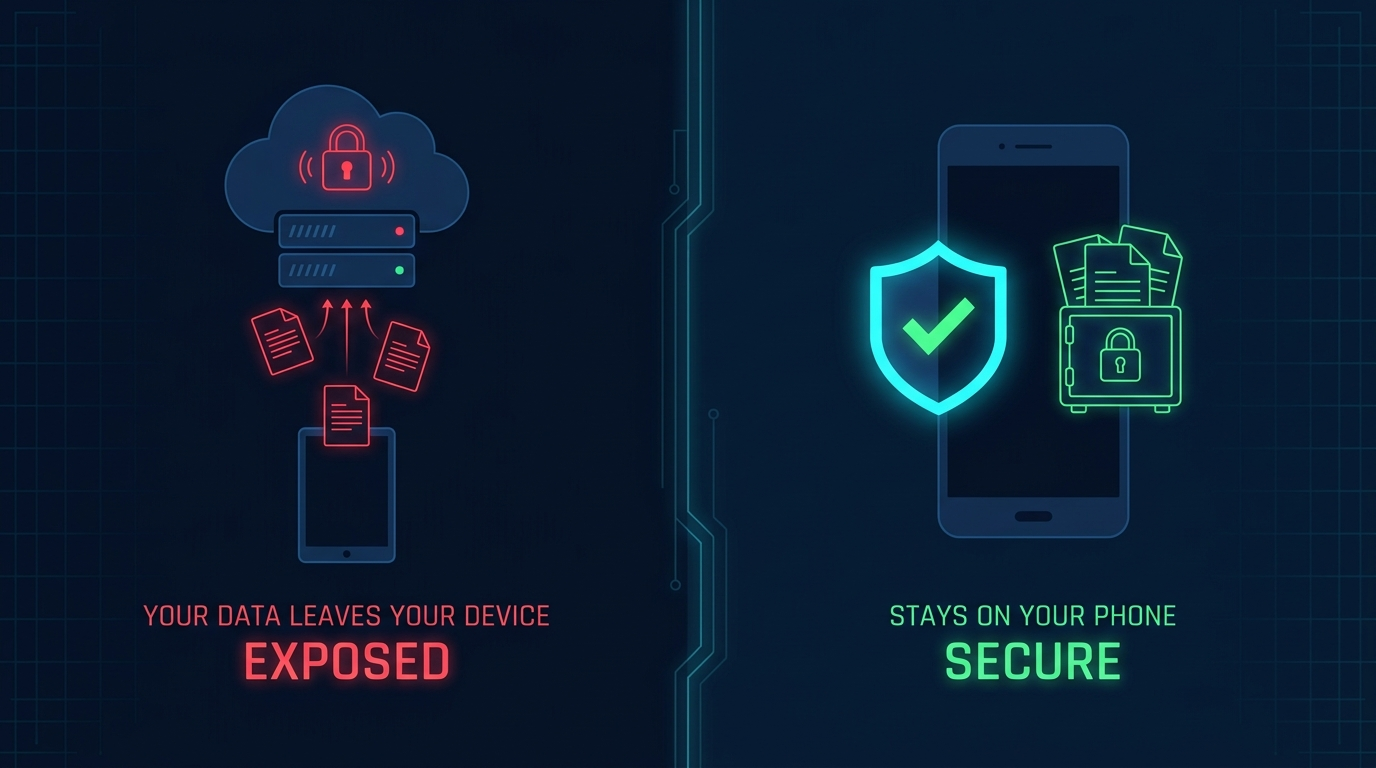
ChatPDF is popular for a reason — it works, and the interface is clean. But every PDF you upload goes to their servers. For most casual use cases that is fine. For anything sensitive — a legal contract, a medical report, a client proposal, confidential research — it is not.
This guide covers the best private alternative to ChatPDF for Android users and explains exactly what the difference is under the hood.
What ChatPDF actually does with your document
When you upload a file to ChatPDF:
- Your PDF is transmitted to their servers over HTTPS
- Their backend parses and indexes it
- When you ask a question, both the question and relevant chunks of your document are sent to an LLM API
- The response comes back and is displayed
That means your document touches external infrastructure. Both ChatPDF and whatever LLM provider they use have their own data retention policies, which can change.
This is true of virtually every web-based "chat with PDF" tool.
The privacy-first alternative: Anvit
Anvit is a free Android app that runs the entire AI pipeline on your device. Nothing leaves your phone.
| ChatPDF | Anvit | |
|---|---|---|
| Document upload | To cloud server | Never — stays on device |
| AI processing | Cloud API | On-device (Gemma 4) |
| Account required | Yes | No |
| Works offline | No | Yes |
| Price | Free tier / paid plans | Free |
| Android app | No (web only) | Yes (native) |
| Word (.docx / .doc) support | Limited | Yes |
| Sources panel | No | Yes |
What Anvit uses instead of the cloud
Anvit runs Gemma 4 — Google's open-weight AI model — locally on your Android phone using Google's LiteRT-LM runtime. The model is downloaded once (~2.5 GB for the E2B variant) and then operates completely offline.
Document search uses EmbeddingGemma (~196 MB) or Gecko (~115 MB), both of which run on-device via MediaPipe, to create and query vector embeddings locally. The retrieval system combines dense vector search with lexical matching, fused via Reciprocal Rank Fusion. All of this runs entirely on your hardware.
No query ever leaves your phone after setup.
When ChatPDF's approach is fine
To be fair: if you are chatting with publicly available research papers or non-sensitive PDFs, the cloud approach is perfectly acceptable. Cloud-based models also have larger context windows and may produce higher-quality answers on very complex documents.
When you should use Anvit instead
- Legal documents: contracts, agreements, NDAs — your lawyer probably does not want these on a third-party AI server
- Medical records: health reports, lab results, doctor's notes
- Financial documents: tax returns, bank statements, investment reports
- Confidential work: internal proposals, client information, proprietary research
- Anything with PII: documents containing names, addresses, ID numbers
- Restricted networks: secure facilities, air-gapped environments, airplane mode
Privacy by architecture, not by policy
The key difference is structural. ChatPDF can update their privacy policy. Anvit literally cannot send your documents anywhere because the app contains no code to do so. The privacy policy inside the app states plainly: "No other network calls are made. All AI inference, document retrieval, and embedding computation runs locally. Anvit has no telemetry, crash reporting, or background analytics."
You can verify this yourself: open Anvit, add a document, turn on airplane mode, and ask a question. It works. That is not something a cloud-dependent app can do.
How to get started
- Download Anvit from Google Play (free, no account)
- On first launch, download the Gemma 4 model over Wi-Fi (one-time, ~2.5 GB for E2B)
- Add your PDF, .docx, or .doc file
- Ask questions — each answer includes a sources panel showing the document sections used
The model download is the only network activity. After that, everything runs on your device.
If your documents contain anything you would not want on a stranger's server, Anvit is the right tool. Download it free on Google Play.